
Inventry
Touch Screen
The Inventry signing in system consists a main touch screen unit which is located generally in the reception lobby either wall or post mounted. A fully customisable front screen allows customer logos, branding and colour schemes to suit requirements. Once the visitor has completed the sign in process via the touch screen their picture will be taken by the integral camera. A paper ID badge is then produced by a thermal printer which uses no ink cartridges. Staff can be notified that their visitor has arrived by e-mail and/or SMS text message.
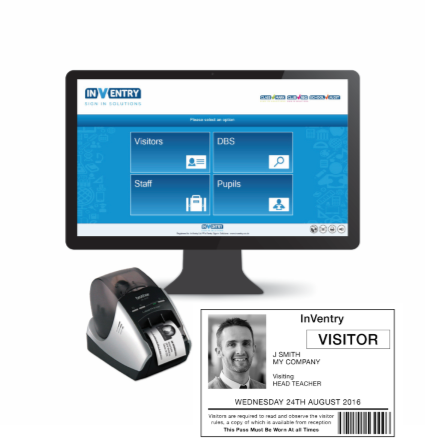
The badge can be self affixed to clothing using the adhesive backing, or inserted into a clear plastic holder with lanyard. When using the bar code scanner the visitor can sign in and out for the day with the visible bar code, this saves on reprinting badges for visitors that may have to pop out and return during their visit.
Support Software
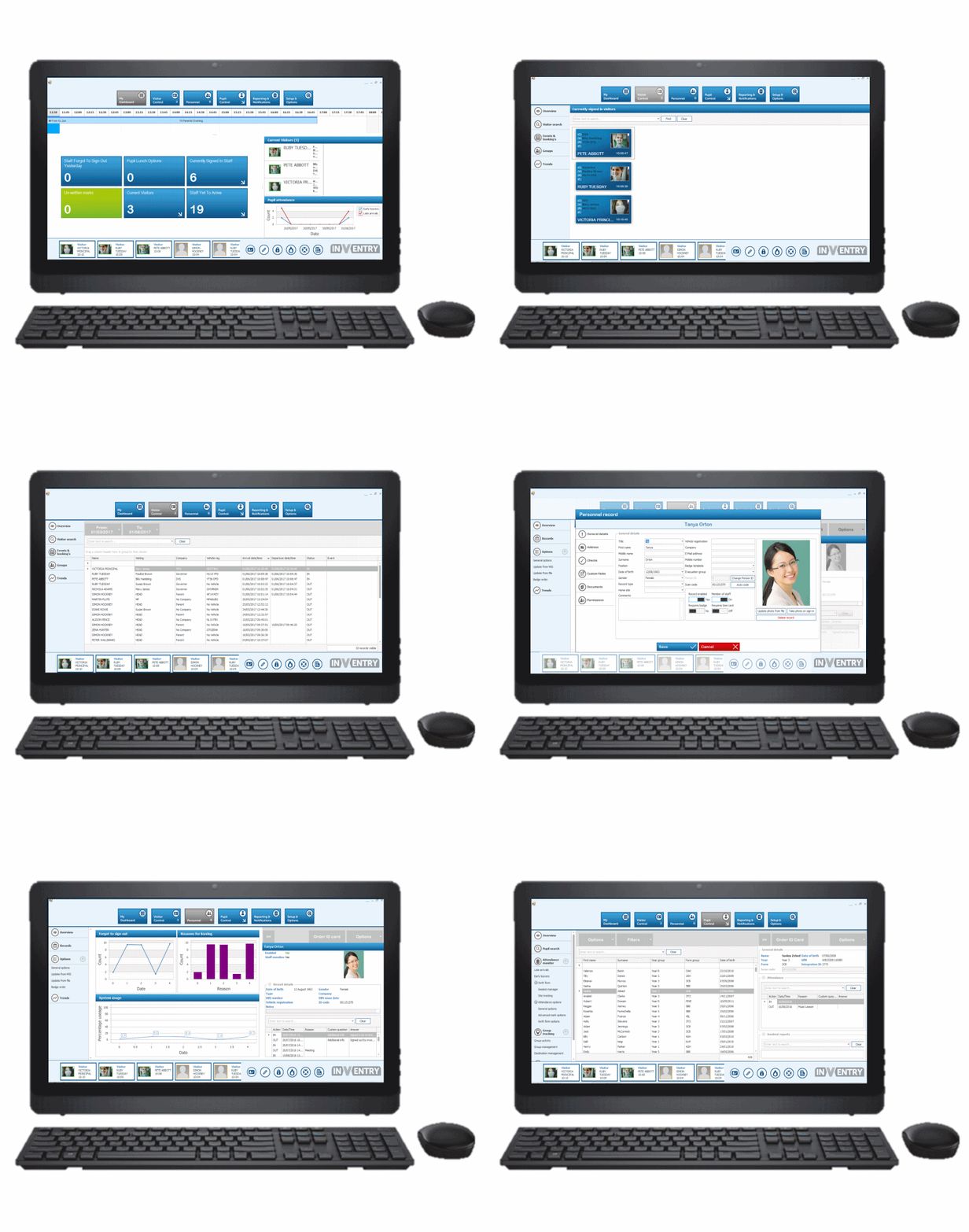
The support software on the Inventry signing in system allows up to 20 computers on the network to view visitor, staff and pupil information collated from the touch screen. The fully encrypted DATA base keeps the information safe with records for DBS all in one place. The dashboard screen can be customised to suit the user showing the information that is most relevant to them.
Visitors
All the information is stored during the sign in process. Picture, name, registration number and the person they are visiting. Allowing quick searches and reports to find out who, when and where.
Staff & DBS Cleared Visitors
As staff & DBS details can be input via the software or from a compatible MIS system, keeping records up to date is simple. Even documents can be stored e.g. copy of driving licence or passport so everything is in one place. When a DBS cleared visitor signs in the stored information including photo is used on the visitor ID badge making sure the person is who they say they are.